Download professional RACI matrix templates to define roles and responsibilities across your projects. Ready-to-use templates for IT, HR, marketing, construction, healthcare, and more — built by a PM professional with 15+ years of experience.
52 Free RACI Chart Templates for Excel
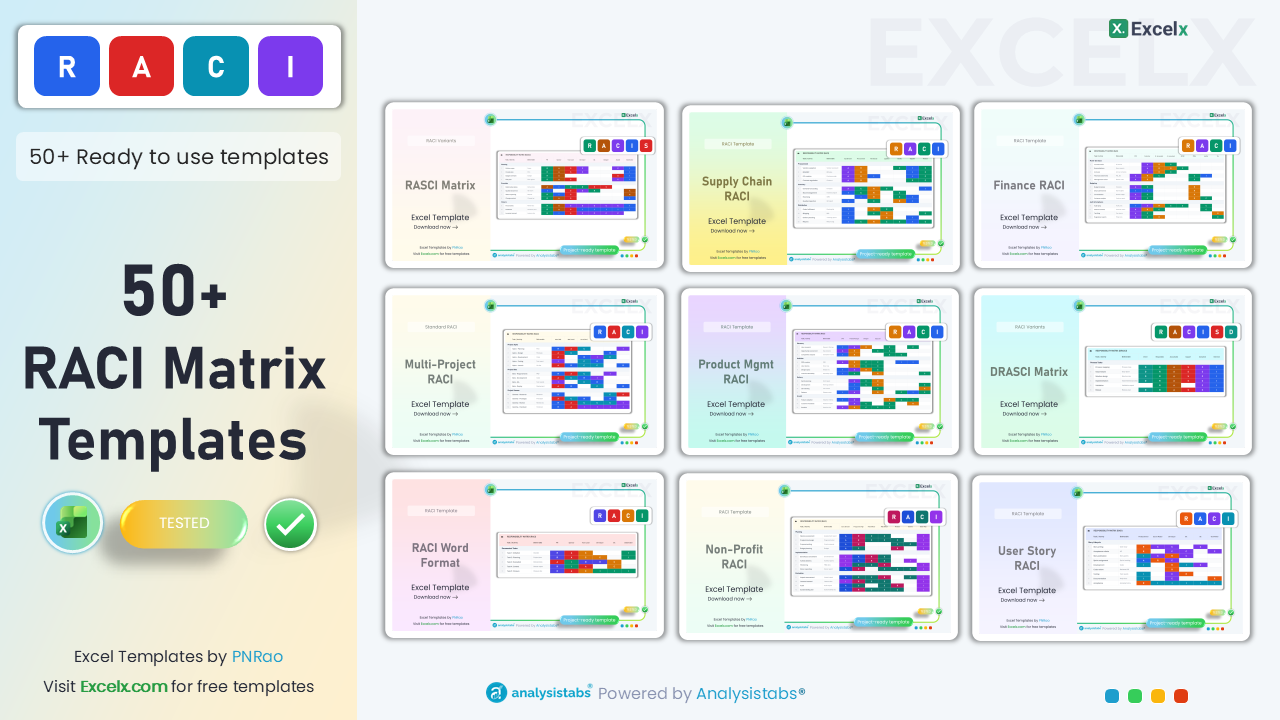
Download 52 professionally designed RACI chart templates across 8 categories. Each template includes color-coded R/A/C/I cells, dropdown validations, auto-calculated role summaries, and realistic example data — all free for Excel.
Standard RACI Templates
Classic RACI matrix formats with colour-coded roles, dropdown validations, and conditional formatting. The essentials every project manager needs.
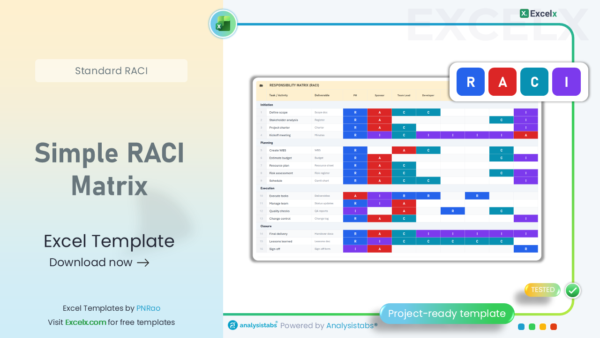
Simple RACI Matrix
Clean, minimal RACI layout for any project. Pre-formatted with color-coded R/A/C/I cells, dropdown validations, and auto-sizing columns.
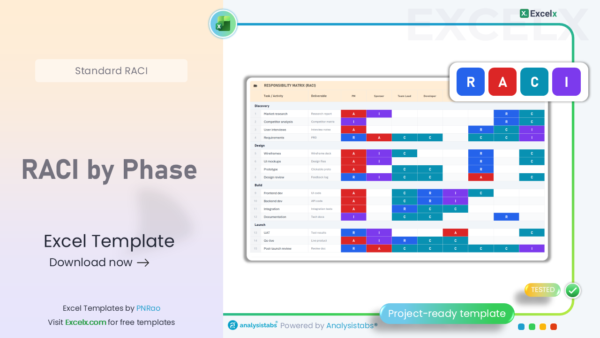
RACI by Phase
Tasks grouped by project lifecycle phases — Discovery, Design, Build, Launch — with separate RACI assignments per phase.
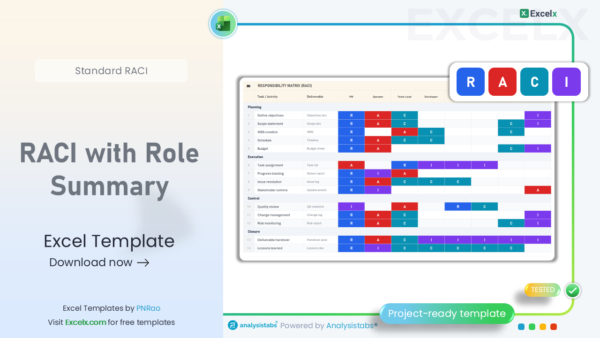
RACI with Role Summary
Auto-calculated role summary showing each person’s R/A/C/I counts. Instantly flags overloaded team members.
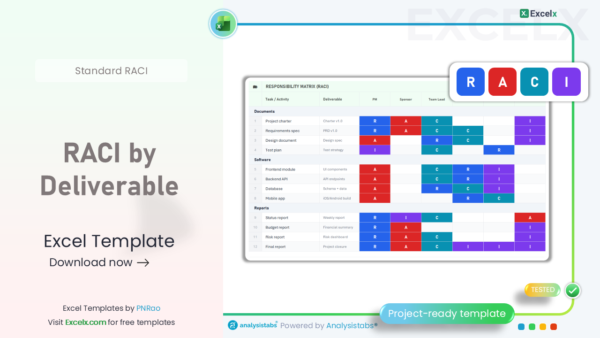
RACI by Deliverable
Organized by deliverables instead of tasks. Maps who owns each output — ideal for client-facing projects.

RACI for Decisions
Maps RACI roles to key project decisions — budget approvals, scope changes, vendor selection, go/no-go gates.

RACI + WBS
Combines Work Breakdown Structure numbering with RACI assignments. WBS hierarchy auto-generates.
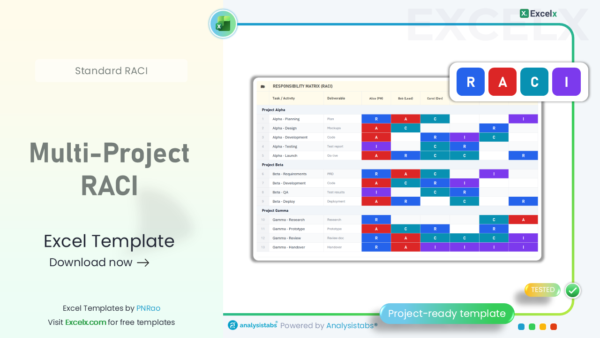
Multi-Project RACI
Track RACI assignments across multiple projects simultaneously. Shows resource conflicts at a glance.

One-Page RACI
Fits on a single printed page. Perfect for kickoff meetings, wall posters, and quick-reference handouts.
RACI Variants — RASCI, DACI, RAPID & More
Beyond standard RACI — RASCI adds Support, DACI focuses on decision drivers, RAPID handles cross-functional decisions, RACI-VS adds verification steps.
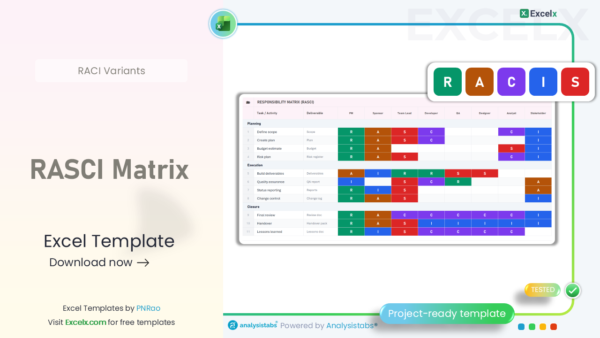
RASCI Matrix
Adds the ‘Support’ role for team members who assist but aren’t directly responsible. Most popular RACI variant.

DACI Framework
Driver, Approver, Contributors, Informed. Focuses on who drives each decision. Popular in tech companies.
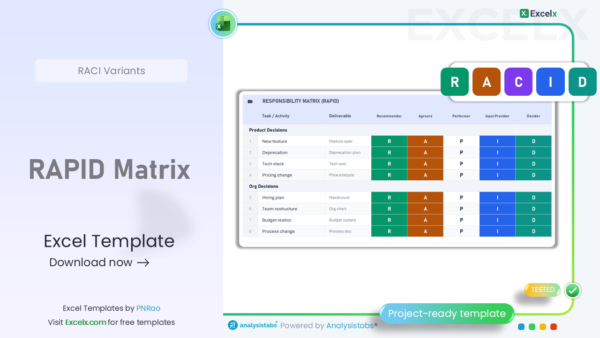
RAPID Matrix
Recommend, Agree, Perform, Input, Decide. Best for cross-functional teams needing precise decision accountability.
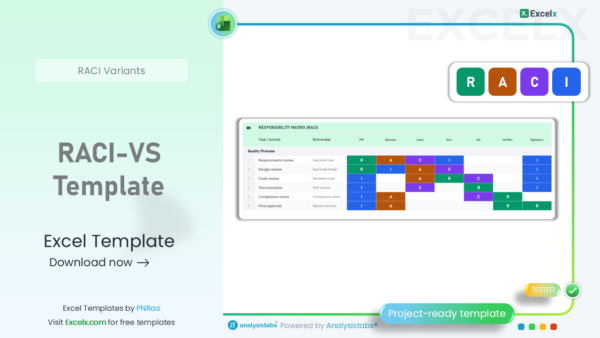
RACI-VS Template
Adds Verifier and Signatory roles. Built for quality-critical industries — pharma, aerospace, medical devices.
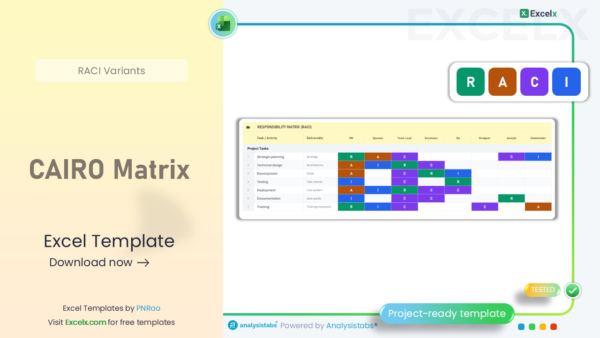
CAIRO Matrix
Adds the ‘Omitted’ role. Explicitly defines who is NOT involved — useful for large teams.
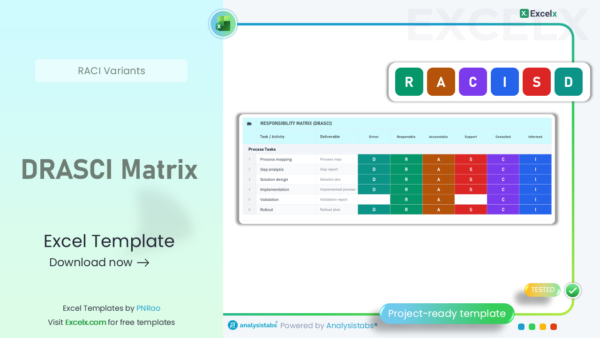
DRASCI Matrix
Driver + RASCI combined. For projects needing a central delegator driving responsibilities across teams.

CARS Model
Communicate, Approve, Responsible, Support. Clearer language for teams confused by the R vs A distinction.

Variant Comparison
Side-by-side comparison of RACI, RASCI, DACI, RAPID, CAIRO, CARS, RACI-VS — pick the right framework.
RACI Templates by Department
Pre-filled RACI templates with the right tasks, roles, and deliverables for specific departments — IT, HR, Marketing, Finance, Sales, Legal, Supply Chain, and Product.
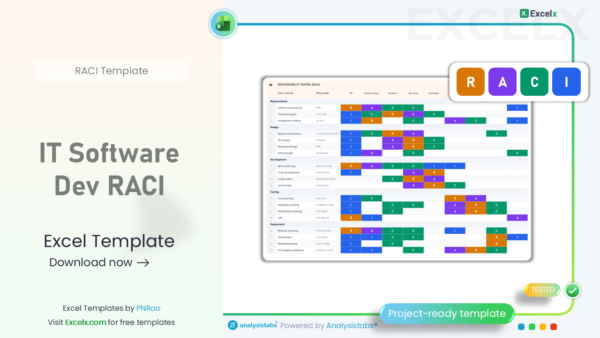
IT Software Dev RACI
Pre-filled with SDLC tasks: requirements gathering, design, development, QA testing, and deployment.
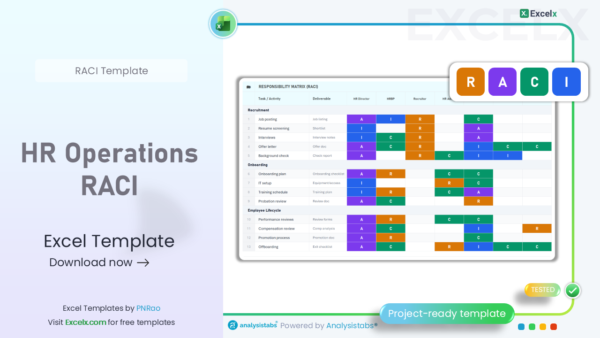
HR Operations RACI
Covers hiring, onboarding, performance reviews, benefits administration, and offboarding processes.

Marketing RACI
Covers campaigns, content creation, SEO, social media, analytics, and event management.

Finance RACI
Covers budgeting, forecasting, audit preparation, AP/AR, financial reporting, and compliance.

Sales Ops RACI
Covers pipeline management, lead qualification, proposals, contracts, CRM, and forecasting.

Supply Chain RACI
Covers procurement, inventory management, logistics, quality control, and shipping operations.

Legal Compliance RACI
Covers contract review, regulatory filings, policy updates, litigation support, and data privacy.

Product Mgmt RACI
Covers product roadmap, requirements, feature prioritization, launch planning, and customer feedback.
RACI Templates by Industry
Industry-specific RACI templates with relevant terminology, project phases, and stakeholder roles already mapped out.

Construction RACI
Covers permits, foundation, framing, MEP systems, inspections, punch list, and project handover.

Healthcare RACI
Covers clinical trials, FDA/EMA submissions, patient safety reporting, and quality compliance.

ITIL Service Mgmt
Covers incident, problem, change, release, and service level management mapped to ITIL roles.
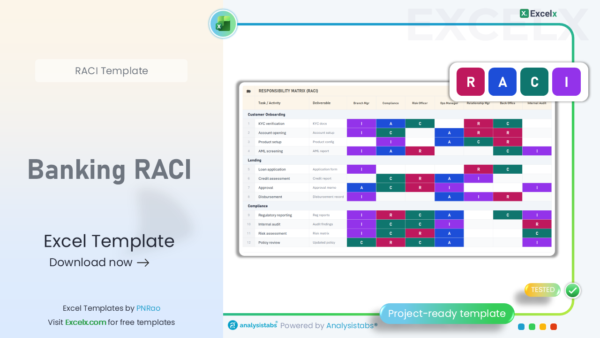
Banking RACI
Covers KYC verification, AML screening, loan processing, risk assessment, and regulatory reporting.

Education RACI
Covers curriculum design, course development, accreditation preparation, and faculty evaluation.

Manufacturing RACI
Covers production planning, quality inspection, maintenance scheduling, and safety compliance.

Retail E-Commerce
Covers merchandising, pricing, inventory management, order fulfillment, and customer service.

Non-Profit RACI
Covers grant management, donor relations, programme delivery, M&E, and volunteer coordination.
Agile & Scrum RACI Templates
RACI templates adapted for agile workflows — sprint ceremonies, Scrum roles, Kanban boards, SAFe frameworks, and DevOps pipelines.
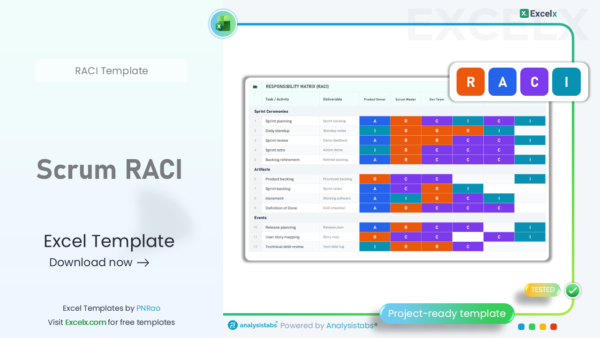
Scrum RACI
Sprint ceremonies mapped to Scrum roles — Product Owner, Scrum Master, Dev Team, QA, and UX.
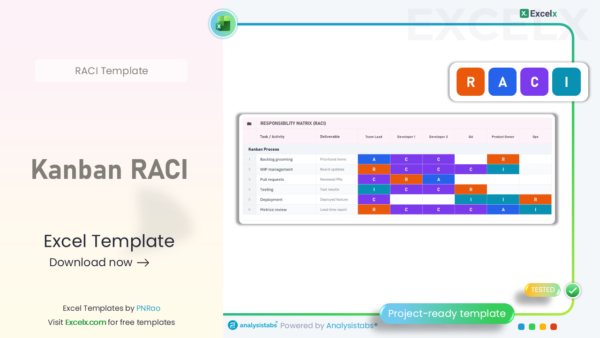
Kanban RACI
Maps RACI roles to Kanban workflow stages — backlog grooming, WIP management, pull requests, and deployment.

SAFe RACI
Covers Program Increment planning, feature breakdown, team breakouts, system demos, and inspect & adapt.

User Story RACI
Maps RACI roles across the user story lifecycle — writing, acceptance criteria, estimation, dev, and testing.
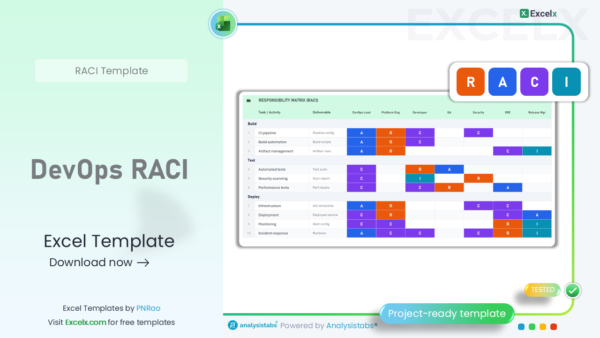
DevOps RACI
Covers CI/CD pipeline setup, infrastructure as code, automated testing, security scanning, and incident response.

Release Mgmt RACI
Covers release planning, feature freeze, regression testing, staging deployment, and go/no-go decisions.
RACI Templates by Format & Use Case
Different RACI layouts for different needs — presentations, documents, person-focused views, process-based SOPs, posters, and timeline-integrated charts.
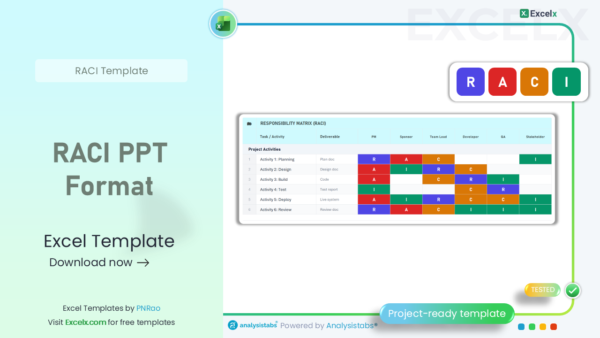
RACI PPT Format
Presentation-ready layout designed for stakeholder kickoff meetings and project reviews.
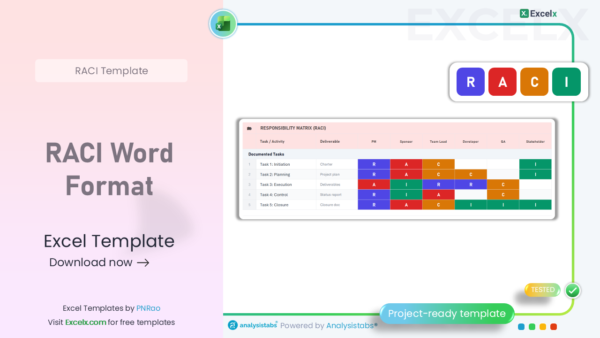
RACI Word Format
Narrative-style RACI document with detailed role descriptions and approval signature blocks.

RACI by Person View
Flipped view — shows each person’s full list of responsibilities across all project tasks.
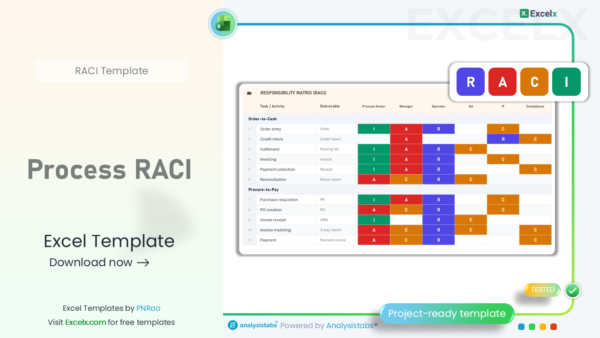
Process RACI
Maps RACI to business processes instead of project tasks. Ideal for SOPs, BPM, and operational workflows.

RACI Poster
Large-format, print-ready RACI chart designed for office walls and team room displays.
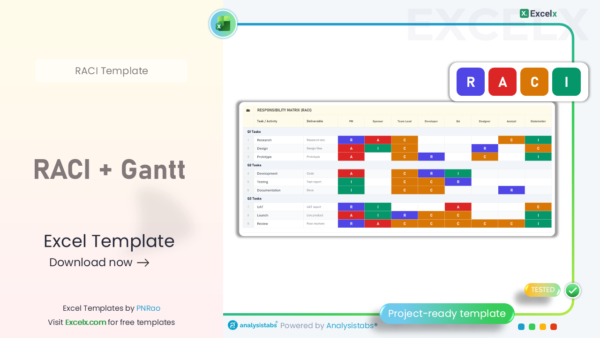
RACI + Gantt
RACI matrix integrated with a timeline view. See who’s responsible AND when each task happens.
RACI Dashboards & Analysis
Smart dashboards that analyse your RACI data, flag common problems, and visualise role distribution across your team.
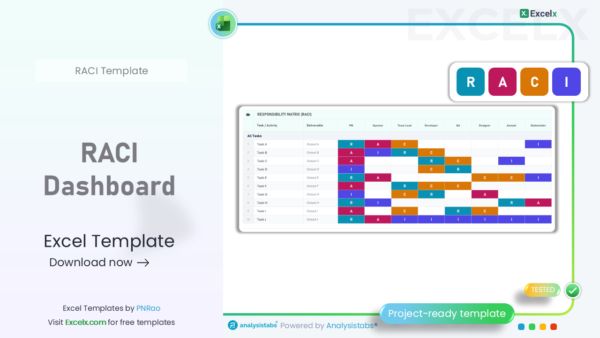
RACI Dashboard
Auto-generated charts showing R/A/C/I distribution per person, workload heatmap, and overload warnings.
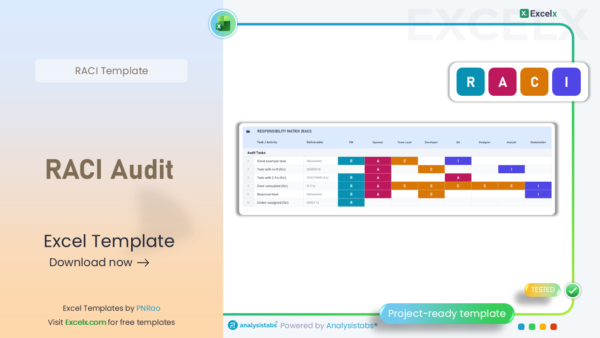
RACI Audit
Automatically flags common issues: tasks with no R, multiple A’s per task, and over-consulted roles.

RACI Heatmap
Visual heatmap showing role density across all tasks. Darker cells mean more assignments.

RACI Before-After
Side-by-side comparison of current vs proposed RACI assignments for re-orgs and process changes.
RACI Starter Kits
Complete project starter packs — each kit includes a RACI matrix plus supporting documents like project charters, communication plans, and governance frameworks.

Kickoff RACI Kit
Complete kickoff package: RACI matrix + project charter + stakeholder register + communication plan.
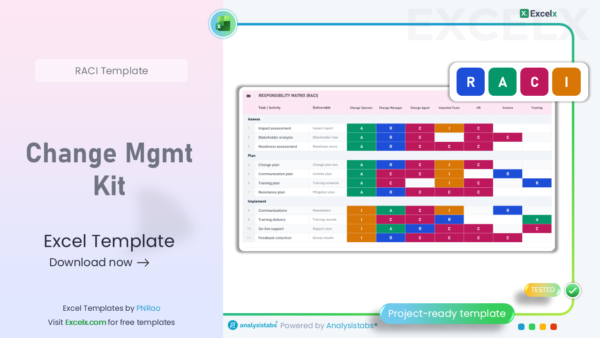
Change Mgmt Kit
Full change management pack: RACI + change request log + impact assessment + stakeholder comms.
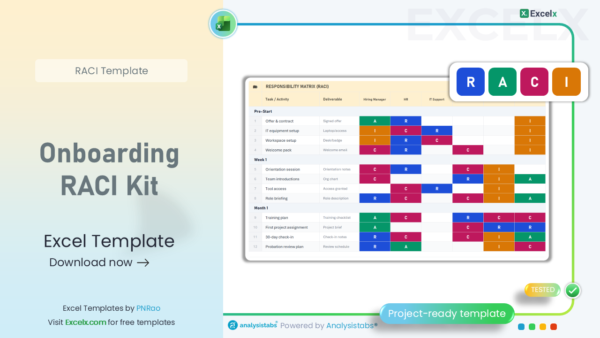
Onboarding RACI Kit
New member onboarding: RACI matrix + role descriptions + onboarding checklist + training plan.
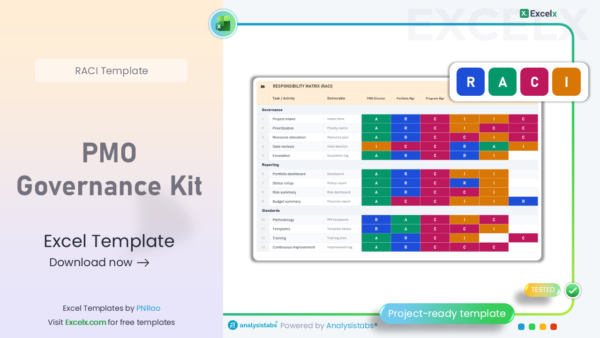
PMO Governance Kit
Portfolio-level RACI + governance framework + escalation matrix + portfolio dashboard.
What is a RACI Chart?
A RACI chart (also known as a RACI matrix or Responsibility Assignment Matrix) is a project management tool that maps every task, milestone, or decision in a project to the people or roles involved. The acronym stands for Responsible, Accountable, Consulted, and Informed — the four levels of involvement a person can have in any given task.
Think of a RACI chart as your project’s “rules of engagement.” It answers the questions that cause most project delays: Who’s doing this? Who approves it? Who do we ask for input? Who needs to know?
RACI charts are particularly valuable for cross-functional projects where multiple departments, external vendors, or stakeholders are involved. Without clear role definition, tasks get duplicated, decisions stall, and accountability disappears.
According to McKinsey, managers spend 37% of their time making decisions, and more than half of that time is wasted due to unclear ownership. For Fortune 500 companies, this adds up to 530,000 lost workdays and ~$250 million in wasted labor costs annually. A well-built RACI chart eliminates this ambiguity.
R-A-C-I Meaning Explained
Responsible (R) — “The Doer”: The person or people who perform the actual work to complete the task. There can be multiple people responsible for a single task, especially when it requires collaboration across skills. For example, in a website redesign, both the designer and developer might be Responsible for building the homepage.
Accountable (A) — “The Owner”: The single person who has ultimate ownership and decision-making authority for the task. This is the person who signs off on the work and is answerable for its success or failure. There should always be exactly one “A” per task — this is the most important rule of RACI.
Consulted (C) — “The Advisor”: People whose expertise or opinions are sought before or during the task. This is a two-way communication — you actively ask for their input. For example, consulting a legal team before finalizing contract terms.
Informed (I) — “The Loop”: People who need to be kept up-to-date on progress or outcomes but don’t actively participate in the task. This is one-way communication — status updates, completion notifications, or milestone reports.
RACI Matrix Example
Here’s a practical RACI chart example for a website redesign project showing how roles and responsibilities are assigned across tasks:
| Task / Deliverable | Project Manager | Designer | Developer | Content Writer | Client / Sponsor |
|---|---|---|---|---|---|
| Define project scope & requirements | R | C | C | I | A |
| Create wireframes & mockups | I | R | C | I | A |
| Write page content & copy | I | C | I | R | A |
| Front-end development | A | C | R | I | I |
| QA testing & bug fixes | A | I | R | I | I |
| Final approval & go-live | R | I | R | I | A |
Notice how the Client/Sponsor is “Accountable” for most deliverables (they approve the work) while team members are “Responsible” for execution. Also note that each row has exactly one “A” — this is critical for avoiding decision bottlenecks.
When to Use a RACI Chart
Not every project needs a RACI chart. Here’s when one is especially valuable:
Use a RACI chart when: your project involves multiple departments or cross-functional teams, you have more than 5 stakeholders, the decision-making or approval process is complex, there’s a history of role confusion or duplicated work, you’re in a regulated industry requiring documented accountability, or when team turnover is high and new members need quick clarity on who does what.
Skip the RACI chart when: the project is small with only 2–3 people, tasks and ownership are already crystal clear, or your team uses an Agile framework (like Scrum) where roles are already well-defined through ceremonies and artifacts.
How to Create a RACI Matrix
Step 1 — List all tasks and deliverables. Start by breaking your project down into its major tasks, milestones, and decisions. Be specific enough to avoid ambiguity, but not so granular that the chart becomes unwieldy. A good RACI chart typically has 15–30 tasks.
Step 2 — Identify all roles and stakeholders. List every person or role involved in the project across the top of your matrix. Use role titles (e.g., “Project Manager”, “QA Lead”) rather than individual names — this makes the chart reusable.
Step 3 — Assign R, A, C, or I to every cell. Work through each task and assign the appropriate RACI designation to every stakeholder. The golden rule: every task must have exactly one “A” and at least one “R.”
Step 4 — Validate with the team. Walk through the completed RACI chart with your team in a kickoff meeting. Confirm that assignments are accurate and that no one is overloaded. Adjust based on feedback.
Step 5 — Review and update regularly. A RACI chart is a living document. Review it at phase transitions, when team members change, or when scope shifts significantly.
Best Practices
1. Only one “A” per task — always. 2. Every task needs at least one “R.” 3. Minimize “C” assignments — too many consulted parties slow decisions. 4. If a column is mostly “I,” consider removing that stakeholder. 5. If a column is mostly “R,” check for overload. 6. Keep it to 15–30 tasks — more than that and it becomes unmanageable. 7. Use role titles, not names — this makes the chart transferable.
Common Mistakes to Avoid
Multiple “A” entries per task. This is the most common and most damaging mistake. When two people are accountable, neither truly is. Every task needs a single decision-maker.
Confusing “R” and “A.” Responsible means you do the work. Accountable means you own the outcome. These are different roles — the CEO might be Accountable for a product launch while the marketing team is Responsible for execution.
Making the chart too detailed. A RACI chart with 100 tasks defeats the purpose of clarity. Stick to high-level deliverables and major decisions. Save the granular task breakdown for your project plan or work breakdown structure.
Never updating it. A RACI chart created at project kickoff and never revisited becomes stale. Team changes, scope creep, and evolving priorities all require RACI updates.
Frequently Asked Questions
What is the difference between RACI and RASCI?
RASCI adds an “S” for Supportive — people who assist the Responsible person but aren’t primarily responsible themselves. Use RASCI when you need to distinguish between primary doers and helpers on complex tasks.
Can one person be both R and A for the same task?
Yes, this is common on smaller teams. A project manager might be both Responsible for creating the project plan and Accountable for its accuracy. However, on larger projects, separating R and A provides better checks and balances.
How many tasks should a RACI chart include?
Aim for 15–30 tasks. Fewer than 10 and the chart may be too high-level to be useful; more than 40 and it becomes overwhelming. Focus on deliverables, decisions, and milestones rather than every granular sub-task.
Is a RACI chart suitable for Agile teams?
RACI charts aren’t typically used within Scrum teams (where roles are defined by the framework itself), but they’re very useful for Agile organizations when defining responsibilities between the Agile team and external stakeholders like business sponsors, vendors, or compliance teams.
What format should I use — Excel, Word, or PowerPoint?
Use Excel when you need a working, editable matrix that the team updates regularly. Use PowerPoint for stakeholder presentations and project kickoff meetings. Use Word when the RACI is part of a larger project charter or documentation package. Use PDF for sharing read-only versions.
Can I use these RACI templates for commercial projects?
Yes. All templates on Excelx are free for personal and commercial use. You may customize, modify, and distribute them within your organization. Attribution is appreciated but not required.